Mastering Hyper Light Breaker's Hoverboard: A Comprehensive Guide
The sprawling Synthwave landscapes of Hyper Light Breaker's Overgrowth can feel daunting to navigate. Fortunately, the game features a handy Hoverboard, accessible from the very beginning, though its existence isn't explicitly explained. This guide will detail how to use it and its unique attributes.
How to Summon the Hoverboard
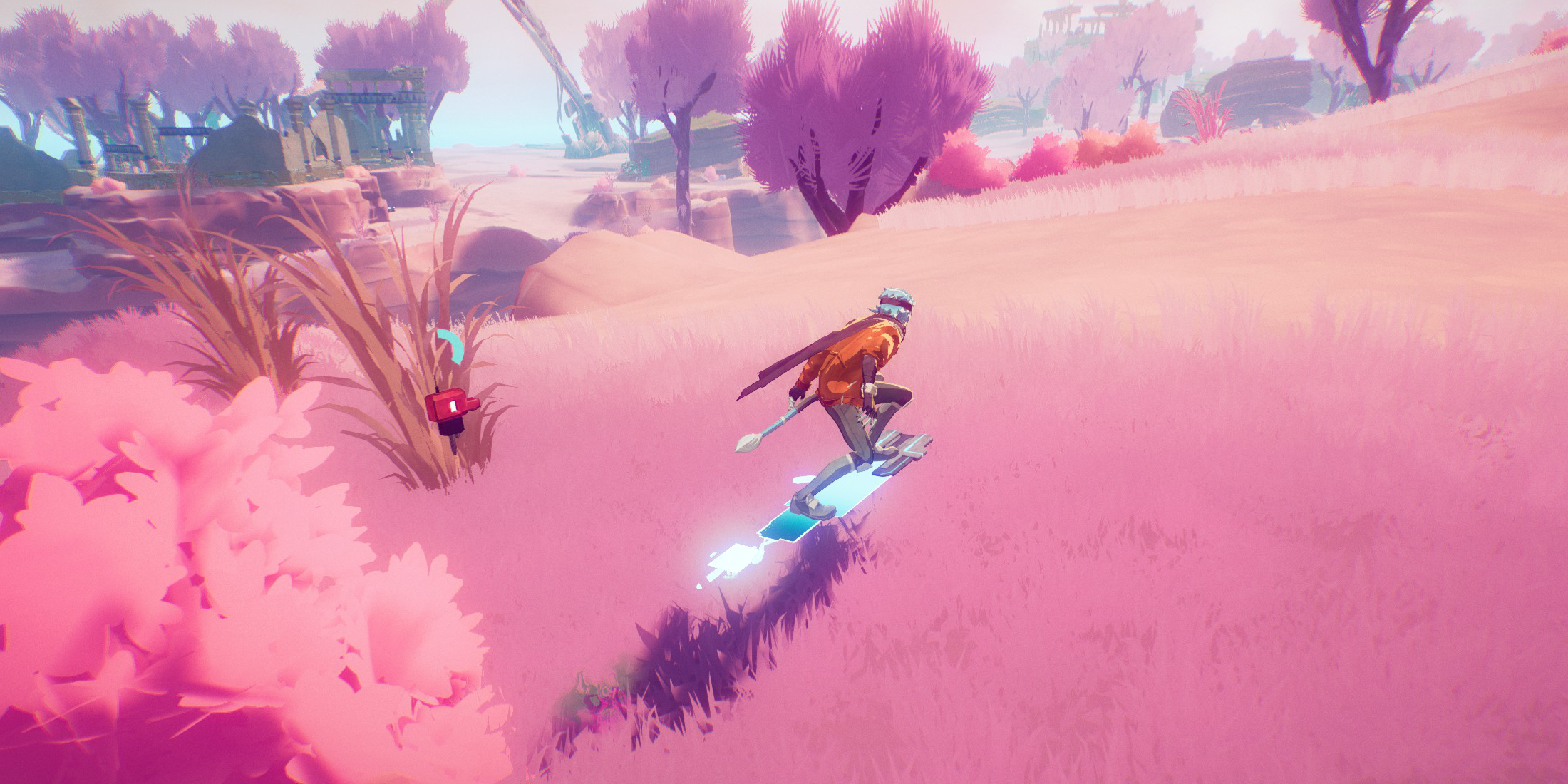 Activating the Hoverboard is simple: hold down your Dodge button. Your Breaker will dash forward and automatically mount the Hoverboard as long as you continue holding the button.
Hoverboard Controls
Movement is intuitive. Holding the left analog stick steers the Hoverboard, with turning speed varying based on your current velocity. Turning is slower at higher speeds. To dismount, simply release the Dodge button. The Hoverboard will also automatically deactivate if your Energy depletes. Your current Energy level is displayed near your Breaker's companion. Remember to dismount briefly to replenish your Energy to avoid unexpected dismounts.
Advanced Hoverboard Techniques and Uses
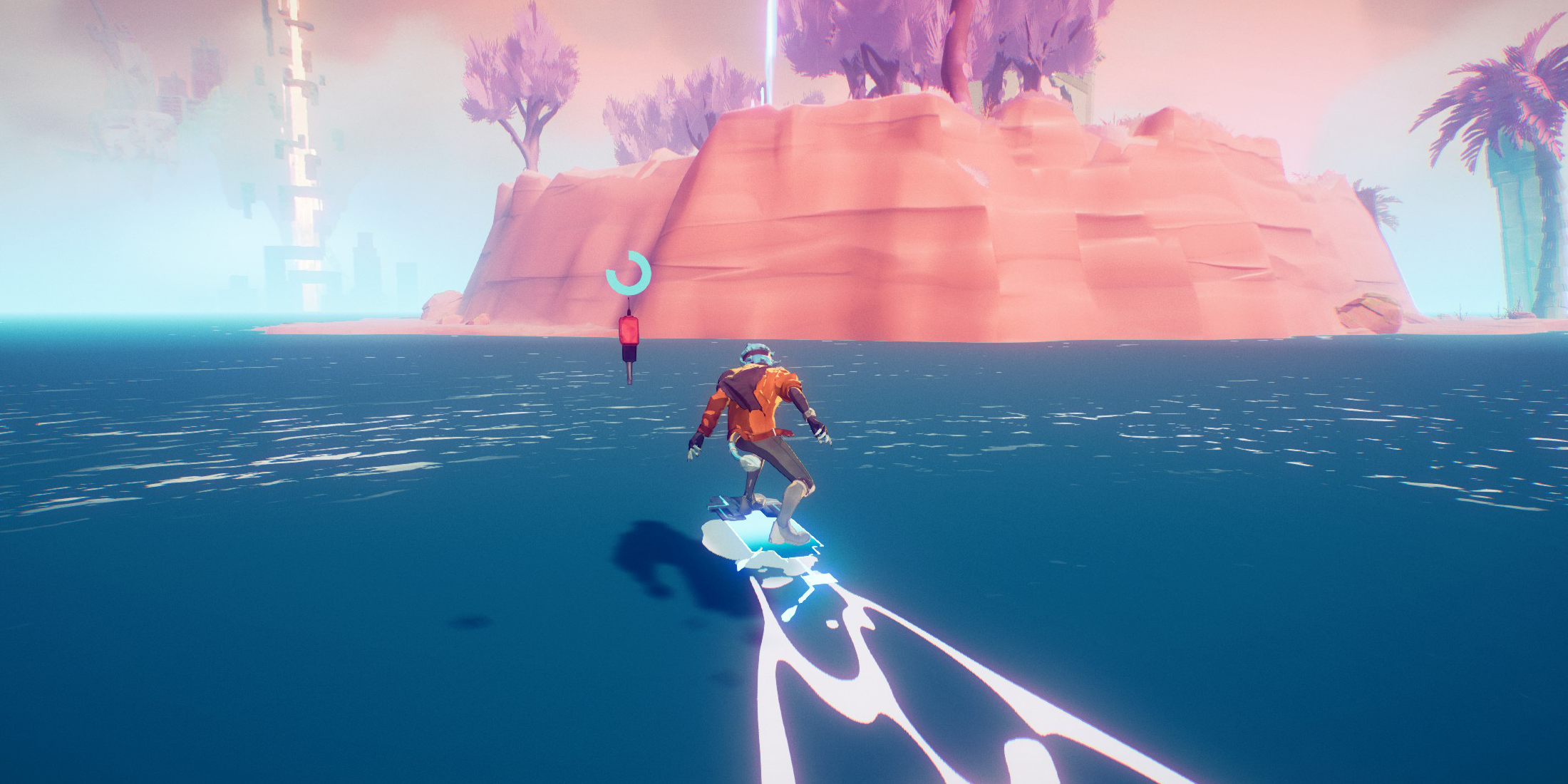 While the Hoverboard doesn't allow for tricks or attacks, it offers several key advantages:
-
Water Navigation: The Hoverboard floats on water, eliminating the need to circumvent water bodies. However, you must already be on the Hoverboard when entering the water for it to function.
-
Controlled Jumps: Holding the Jump button while on the Hoverboard allows you to crouch, aiding in precise jump timing for challenging gaps. While this doesn't boost your jump height or speed, it improves accuracy.
By mastering the Hoverboard, you'll significantly enhance your traversal speed and efficiency in Hyper Light Breaker's expansive world.